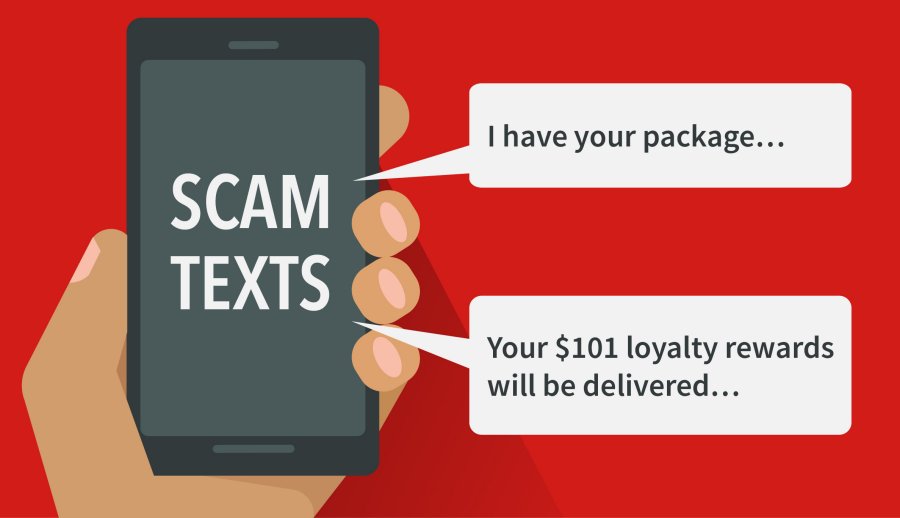
Be cautious of unsolicited texts, emails, phone calls, or social media messages asking you to open an attachment or click a link and provide confidential personal or financial information. If you suspect an email, link or attachment is not real do not open or click on it, delete it.
Common Examples of this Scam
Scammers use a variety of scenarios designed to get victims to provide their social security, bank account, credit card, Secure Access Code (SAC), or PIN number, including:
At IT Nation, we provide software that gives you additional cybersecurity and threat protection over and above what Windows Defender gives you:
Advanced malware and ransomware protection
An additional layer of protection to safeguard your data and identity
Quick and thorough scans that take less than 20 seconds
Anti-phishing detection that prevents malicious emails and fake websites from tricking you into giving away your confidential data on any browser
Windows Defender doesn’t actively work to block phishing links in any browser other than Microsoft Edge and does not block ransomware attacks.
Cloud Backups IT Nation protects our clients data with cloud backups. An important protection against ransomware attacks and other infections that destroy your data is to have a cloud backup of your files that can easily be restored when needed.
Technical Support Windows Defender does an okay job when it comes to automated protections against viruses and malware that may have infected your system, but you don’t have a live person to ask for help.
With IT Nation you always have access to a live person 24/7 to help with any issues or questions that you may have.
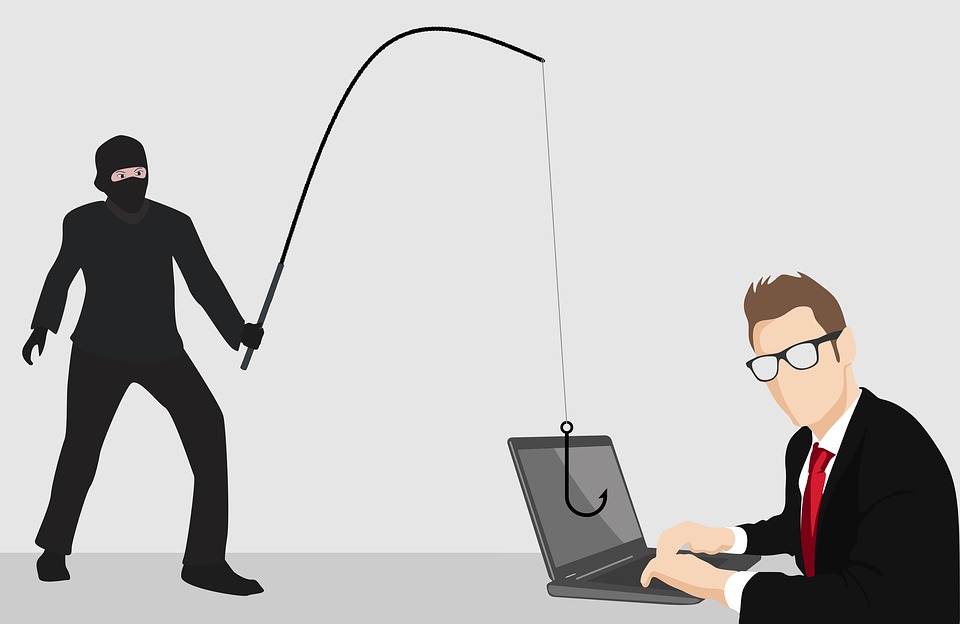
You hear of it happening all the time, but never think it will happen to you. Phishing attacks come in all shapes and sizes, so to speak. The most common Phishing attack comes in the form of a seemingly legitimate email (or text message) from what looks to be your bank, PayPal, your email provider, Apple, or another company you may have an account with.
In the case of a financial institution or PayPal Phishing attack, the scammers will try to manipulate you by creating a sense of urgency using a threat: “Your account is at risk,” or “We are shutting down your account.” They will then provide a link (which can look very legitimate) tricking you into thinking you are logging in to your account. What you are actually doing is giving the scammer your username and login on a fake website.
Legitimate-looking emails can also come from scammers impersonating Apple, Microsoft, Amazon, or other well-known companies that you may have an account with. The end goal, however, is very much the same: get your log in information. This can be especially dangerous if you have payment information stored on your account to pay for services or subscriptions.
The only way to know for sure that you aren’t handing your information over to a hacker is to contact the person company directly using the contact information from their website or the back of your credit card (not from the email or the fake website from the link).
The Notorious Nigerian Prince Strikes Again
He’s back, only this time he brought friends. This scam, or some form of it, has been circling the web for decades now. It goes something like this: A wealthy foreign monarch, prince, or dignitary has a large sum of money to gift to you! Sounds amazing, right? Well that’s because it’s too good to be true. Typically, these types of online scams will follow a format. Once they have your interest, they explain that there are fees for wire transfers, currency exchanges, or some other variable. They will then ask for your bank account information and initiate a wire transfer– except the money is going out of your account, not in to it! The scammer then will manufacturer delays, incurring more fees from you or disappear altogether.
Another tell from this email scam is the greeting. Typically, but not always, the greeting is generic such as “Hello Friend” or “Attention Sir/Madam” because they are sending this email to thousands of email addresses at once, and waiting for someone to take the bait. Sometimes, the scammer will also use psychological pressure by leading their victim to believe they have sold their possessions or have a sick relative and can’t pay the fees themselves.
The safest protection from a scam like this is to ignore and delete the email, or better yet, not open it at all. Mark is as spam in your email program and never click any links from senders you don’t recognize.
Fake Computer Viruses that Cause Real Problems
Computer pop-ups can be annoying, even if they aren’t malicious. But what happens if they are? Scammers have started using computer pop-ups as a means to get your information or even control over your computer. They call it “Scareware.”
The Scareware scam leverages social engineering and fear tactics in order to get victims. Unscrupulous individuals have developed fake pop-up warnings that claim your computer is infected with a virus or other malware. These Pop-ups are made to look like a virus scan alert from trusted companies such as Microsoft, Apple, Norton, McAfee or others.
The fake pop-up warning will usually include a phone number for you to call that leads to a professional scammer on the other end walking you through steps to “troubleshoot” your computer. They may even ask for security codes that you have received via text message or email. Ultimately, they want you to give them access to your computer remotely so they can install malware, spyware, key-loggers, or other viruses. They may also trick you into purchasing anti-virus software that you don’t need with high-pressure sales tactics.
If you get a Scareware pop-up, the first thing to do is close out of it. Use Ctrl+Alt+Delete (Cmd+Option+Esc on a Mac) to open task manager and end the program. Make sure your legitimate virus protection software is up to date. NEVER rely on the contact details provided in a pop-up message. Instead, find your anti-virus vendor’s contact details from their real website and give them a call.
Work from Home, Get Poor Quick
As scams get more sophisticated, they also know who to prey on. Any individual who is seeking employment may be tempted by online offers to work remotely or work from home. Email messages and job postings can contain socially engineered phrases, designed to manipulate users who could really use the money.
While there are legitimate opportunities our there that allow employees to work from the comfort of their own home, make sure you do your research. Any job that asks you to spend money to get hired is typically a scam. They will encourage you by promising earning potential that sounds too good to be true and once they have you on the hook, they will bring up fees for alleged training materials, a placement fee, or a non-existent certification.
Another variation of this scam involves accepting payment upfront for a salary or bonus. What scammers may do is send you an over-payment and ask you to send the rest back or forward some money from the over-payment to a 3rd party company or individual. After the money has left your account, their check or payment (which takes several days to process) is returned. Not only are you out the amount you sent to the third-party, your bank will most likely charge you returned-payment fees.
Never give out your social security number, credit card, or banking details to a potential employer or agency over the internet. Meet with prospective employers in person if at all possible, and ALWAYS do your research to make sure it is a legitimate company.
Congratulations! You Won the “Lottery” You Never Entered
A lottery scam is another type of advance-fee scam. Defrauded users report receiving unexpected email notification, text, or call explaining that they won a large sum of money in the lottery. The recipient of the message is usually told to keep their winnings secret from family and friends due to some sort of mix-up. This ensures the scammer that the gullible victims won’t receive advice or red-flag warnings from others that could oust the scammer. The fake-winner is instructed to contact a claims agent at a provided number that rings straight through to a professional fraudster.
After contacting the agent, the victim is usually asked to pay “processing fees” or “transfer charges” so that the winnings can be sent to them, but will never receive any lottery payment. In some cases, victims report paying several sets of fees over several months The “agent” can be very persuasive, saying they just found out about a new fee or tax and manipulate their victims into paying hundreds or thousands with the promise of millions. The deadline gets seemingly further away with every penny you send to the fraudulent agent. You may also be asked to provide personal details to prove that you are the correct winner and to give your bank account details so the prize can be sent to you.
Lottery scams may use the names of legitimate overseas lotteries, so that if you do some research, the scam will seem real. If someone asks you to pay money up-front in order to receive a prize or winnings, itΓÇÖs almost always a scam. Legitimate lotteries do not require you to pay a fee to collect winnings. The best bet is to never open any emails from organizations you don’t recognize. You can’t win a lottery you never entered in the first place.
Stay safe out there!
In today’s digital age, it may seem like there are new scams coming out everywhere you look. It’s true, there are n’er do wells looking to take advantage of honest people on the internet. But that doesn’t mean we need to live in constant fear. Take a cautious approach to your online activities and remain skeptical, sure. Here are some steps to protect yourself:
1. Always make sure your virus protection is up to date. 2. Only install software updates from trusted websites or vendors. 3. You should never pay anyone money or share your banking details to receive money you aren’t expecting. 4. Don’t open unsolicited emails or click any links in them.
But mostly, just don’t share personal information with strangers online. When in doubt, call the number from the company’s actual website, found from an internet search (not a pop-up, email, text message, or website from a link), and you can protect yourself from many online scams.



Recent Comments